
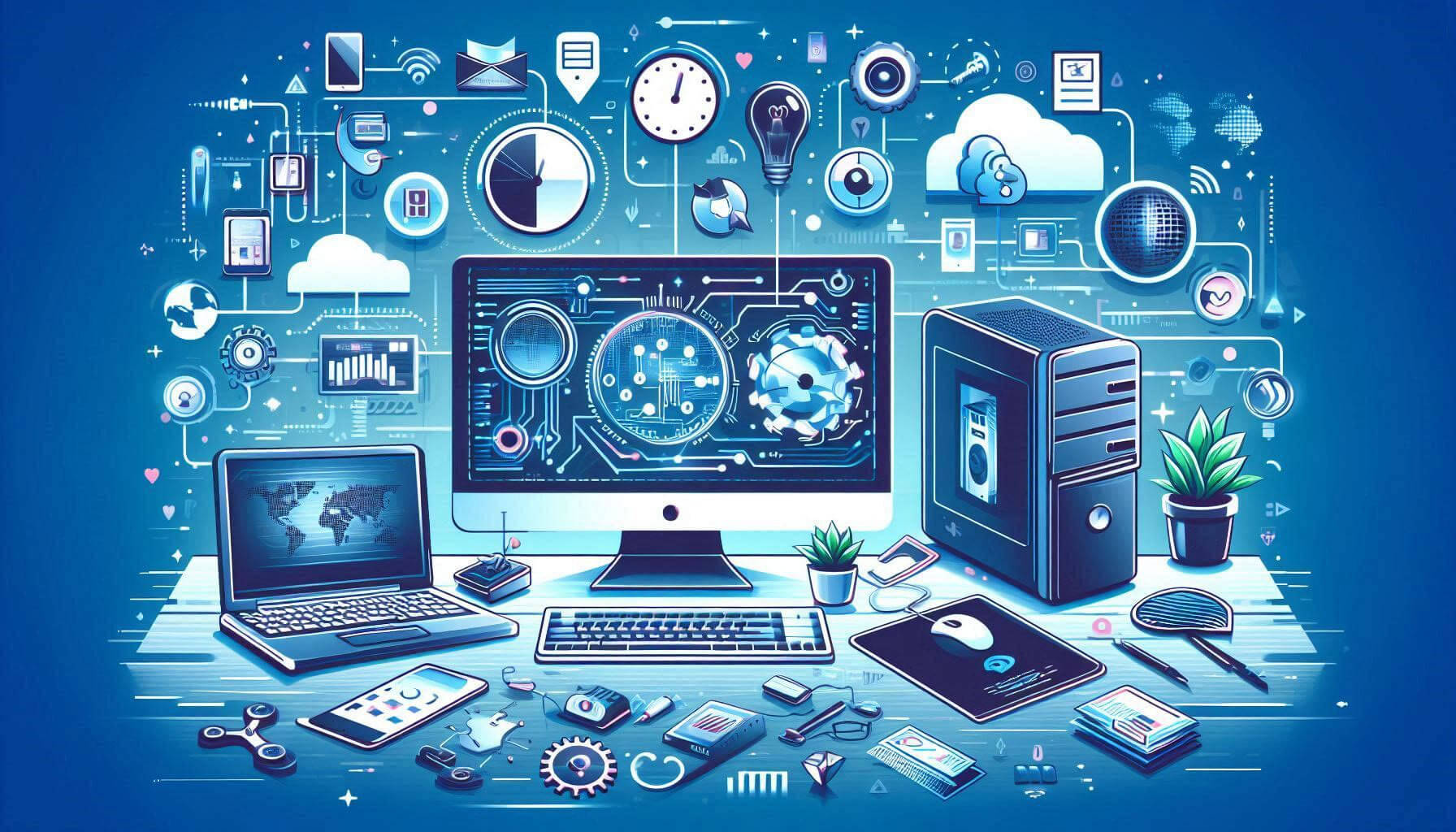
Computer hardware and networking are fundamental aspects of computing that enable the operation of computers and their connectivity to other devices and networks. Here’s an overview of both topics, including key components, networking concepts, and their importance in modern technology.
Computer Hardware
Computer hardware refers to the physical components of a computer system. These components can be categorized into several key categories:
- Central Processing Unit (CPU)
- The brain of the computer that performs calculations and processes data. Modern CPUs are multi-core, allowing for simultaneous processing of tasks.
- Motherboard
- The main circuit board that connects all hardware components and allows them to communicate. It houses the CPU, memory, and expansion slots.
- Memory (RAM)
- Random Access Memory (RAM) is the temporary storage used by the CPU to hold data and instructions currently in use. More RAM typically means better multitasking performance.
- Storage Devices
- Hard Disk Drives (HDD): Traditional storage devices with rotating disks that read/write data.
- Solid State Drives (SSD): Faster, more reliable storage devices with no moving parts, using flash memory.
- Hybrid Drives: Combine features of both HDDs and SSDs.
- Power Supply Unit (PSU)
- Converts electrical power from an outlet into usable power for the computer components.
- Graphics Processing Unit (GPU)
- A specialized processor for rendering graphics and images. Essential for gaming, video editing, and graphic design.
- Input Devices
- Devices used to input data into the computer, such as keyboards, mice, and scanners.
- Output Devices
- Devices that output data from the computer, including monitors, printers, and speakers.
- Cooling Systems
- Components such as fans and heat sinks that manage the temperature of the CPU and other components to prevent overheating.
Networking
Networking refers to the practice of connecting computers and other devices to share resources, exchange data, and communicate. Key concepts include:
- Network Types
- Local Area Network (LAN): A network that connects computers within a limited area, like an office or home.
- Wide Area Network (WAN): A network that spans larger geographical areas, connecting multiple LANs.
- Metropolitan Area Network (MAN): A network that covers a city or large campus.
- Networking Devices
- Router: Connects multiple networks, directing data packets between them. Routers manage traffic and provide internet connectivity.
- Switch: Connects devices within a single network, allowing them to communicate and share resources efficiently.
- Modem: Connects a network to the internet, translating digital signals from the computer into analog signals for transmission.
- Protocols
- TCP/IP (Transmission Control Protocol/Internet Protocol): The fundamental suite of protocols that governs data transmission over the internet.
- HTTP/HTTPS (Hypertext Transfer Protocol/Secure): Protocols used for transferring web pages on the internet.
- FTP (File Transfer Protocol): Used for transferring files between computers over a network.
- Wireless Networking
- Wi-Fi: A technology that allows devices to connect to a network wirelessly using radio waves.
- Bluetooth: A short-range wireless technology for connecting devices, commonly used for peripherals like keyboards and mice.
Importance of Computer Hardware and Networking
- Performance: High-quality hardware improves the speed and efficiency of computing tasks, enabling better performance for applications and processes.
- Connectivity: Networking facilitates communication and collaboration among users and devices, enhancing productivity and information sharing.
- Scalability: Proper hardware and networking allow for the easy expansion of systems to accommodate growth in user numbers or data needs.
- Security: Networking involves implementing security measures, such as firewalls and encryption, to protect data and maintain privacy.